Price changes are slow and costly
Every new price means new printed panels for every branch, plus the wait for them to be made and delivered.
Change prices, switch from breakfast to lunch on time, and make sure every franchise branch shows the same menu, all from one dashboard.
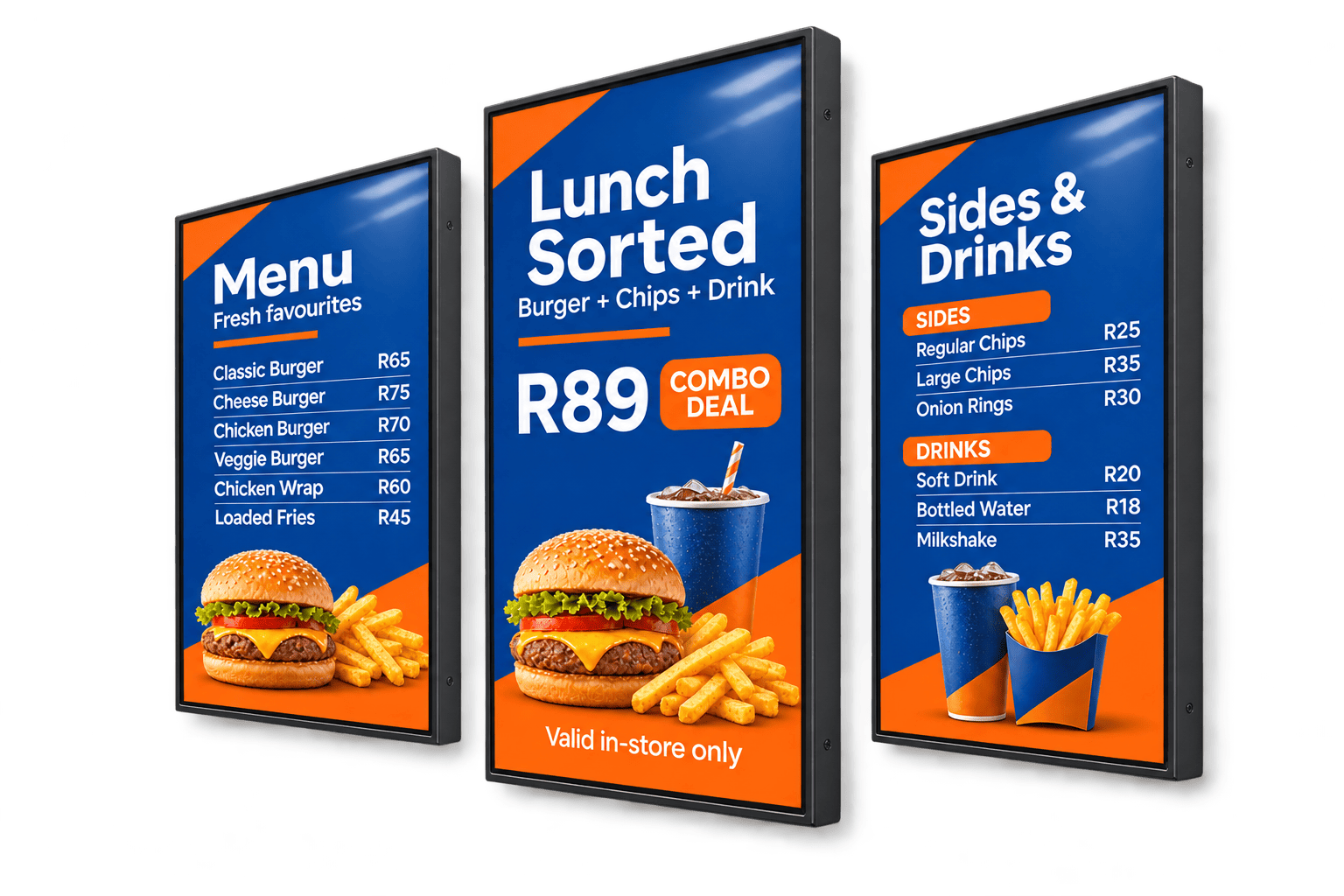
Digital menu boards are screens that show a restaurant's menu, prices, and promotions in place of printed boards, managed from software on a computer or phone. Also called restaurant digital signage or QSR menu screens, they let you update a price at one branch or all of them, switch menus automatically through the day, and use short food videos to draw attention to specials and combos.
Every new price means new printed panels for every branch, plus the wait for them to be made and delivered.
Printed boards can't change from breakfast to lunch, so customers see items you're no longer serving.
When the board is crowded, customers stick to what they know and overlook your specials and combos.
Across a franchise, it's hard to be sure every store shows the current menu, photos, and prices.
Three screens above the counter can show the full menu, with a food video or special in the middle. Keep the number of items on each screen low enough to read from the back of the queue.
Drive-thru screens stand in full sun, so they need a high-brightness outdoor display in a weatherproof enclosure. Drivers don't have long to read, so show fewer items in larger type.
A screen facing the street or the food court shows passers-by this week's special, and can switch from breakfast offers to lunch meals when needed.
If your ordering system has a web-based order-status page, the Website widget can show it on screen alongside your promotions, so customers know when to collect their food.
A screen near the counter or in the seating area can promote desserts, drinks, and limited-time offers while customers wait or eat.
A screen in the kitchen or staff room keeps the team up to date with food safety reminders, shift notices, and new menu items before they launch.
Ideas for menu boards and the other screens around your restaurant.
Talk to a specialistThe full menu, split across screens, with prices large enough to read from the back of the queue.
Each one scheduled to appear at the right time of day.
Daily specials, meal deals, and limited-time items, ideally with a short food video.
Trading hours and public holiday hours, shown in the window or at the entrance.
Which items contain common allergens, kept up to date when recipes change.
Photos from your Instagram or Facebook page, so customers can see what's new.
Breakfast, lunch, and dinner menus change over automatically at the times you set.
Design your menu in Canva so that when you make edits, it updates on every screen its playlist is assigned to.
Group boards by branch or region, and publish a new menu to all of them at once.
Give each franchisee or manager access to their own branch's screens only.
Menus are stored on each player, so they keep showing if the internet drops and update as soon as you're back online.
Design your menu in Canva, publish it to every screen
Design menu boards, specials, and promotions in Canva without leaving Imagine. Your designs save to your Imagine library automatically, and when you change a price in Canva, every playlist using that design updates, so there's nothing to download or re-upload.
Imagine Digital Signage is free for your first screen, then R150 per screen a month on the Professional plan. Most indoor menu boards use two to four screens, each with a commercial display and a media player. Drive-thru boards and kiosks cost more because of their enclosures and payment hardware, so book a site survey for an exact quote.
Join the businesses already running their screens on Imagine. Register in minutes, or book a demo and we'll show you around.