Slow and costly updates
Every new price or promotion means printing posters, sending them to each store, and hoping they go up on time.
Catch shoppers' attention, highlight your latest offers, and change prices and promotions in every store from one dashboard.
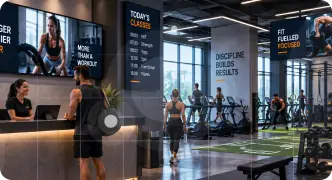
Retail digital signage is the use of screens in stores and shopping centres to display promotions, prices, product information, and brand content, managed from cloud-based software. Also called in-store digital signage, it covers window displays, screens at the tills, and video walls, and it can be managed store by store, by region, or centrally from head office.
Every new price or promotion means printing posters, sending them to each store, and hoping they go up on time.
One branch puts up a new campaign days late while another has the wrong price, and head office has no easy way to check.
Printed posters blend into a busy store, and shoppers walk past offers they would happily have bought.
Posters often stay on the wall after a promotion ends, which makes the store look neglected and weakens shoppers' trust.
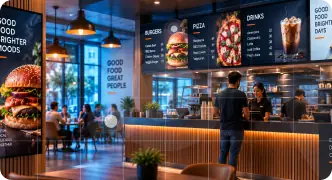
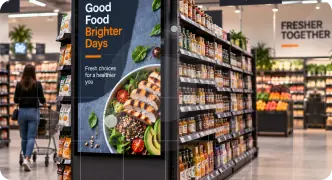
Screens near the products on promotion remind shoppers of specials, bundles, and loyalty offers while they're still deciding what to buy.
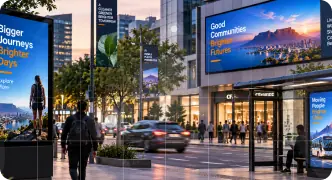
A bright screen in the shop window shows passers-by today's offers and new arrivals, and keeps working after the store closes.
A queue gives shoppers a few minutes to spare, making the till area ideal for upcoming promos, impulse buys, and loyalty sign-ups.
A video wall at the entrance or in a flagship store makes a strong first impression for launches and seasonal campaigns.
Long, narrow stretch screens fitted along the shelf edge show prices, product details, and short videos at the moment shoppers are choosing what to buy.
Directories, events, and tenant promotions on screens around a mall help visitors find their way and discover stores they might have missed.
Ideas for content that works in stores, from the shop window to the till.
Talk to a specialistDeals, bundles, new products, and loyalty offers.
Display social posts and handles to gain additional followers or engagement
A live countdown to the end of a sale or leading up to Black Friday (available in our widget library)
A greeting at the entrance, with store news or a seasonal message
Opening hours, public holiday hours, and late-night trading, shown in the window after closing.
Brand videos from suppliers, which can also bring in advertising income.
Group screens by region, store, or type, and send each campaign to exactly the stores that need it.
Set the dates, days, and times each promotion runs, so morning and weekend offers change over on their own.
Add a price banner or scrolling message alongside your main content without compromising on visibility.
Show suppliers and head office what played, where, and how often, with branded PDF and Excel exports.
See which screens are online, take a screenshot of any screen, and get an email if one goes offline.
Promote your specials on screen in minutes
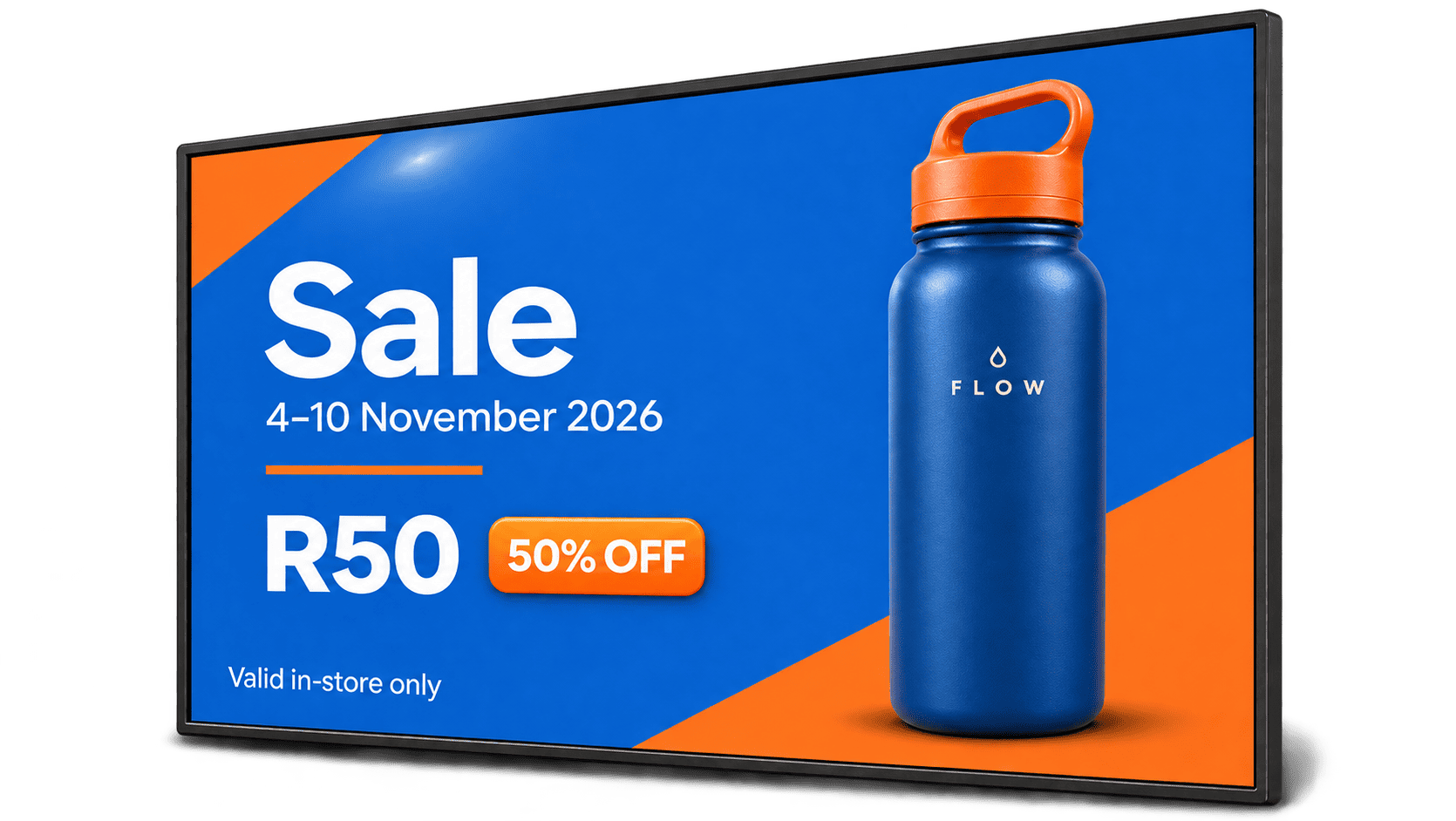
Turn this week's specials into eye-catching screen content in a few minutes. The Sale widget gives you a ready-made layout, so there's nothing to design, and you can update an offer as soon as a price changes. When a sale has a deadline, pair it with the Countdown widget.
The free Starter plan covers one screen, with playlists and 100 MB of storage. For more screens, widgets, Canva, reports, and unlimited users, the Professional plan is R150 per screen a month, excluding VAT. Screens and media players are a separate cost, and we can quote for hardware and installation.
Join the businesses already running their screens on Imagine. Register in minutes, or book a demo and we'll show you around.