Countdown Digital Signage Widget
Build anticipation and inspire action as an important moment approaches.
Make Every Second Count
Turn an upcoming moment into something your audience can see approaching. The countdown timer digital signage widget creates a live visual countdown for events, promotions, launches, and other time-sensitive announcements.
Designed to fit naturally into your content, the timer can be styled to match your brand and paired with a message that tells viewers what they are counting down to. Use it to create excitement ahead of a major event or add urgency when an offer is about to end.
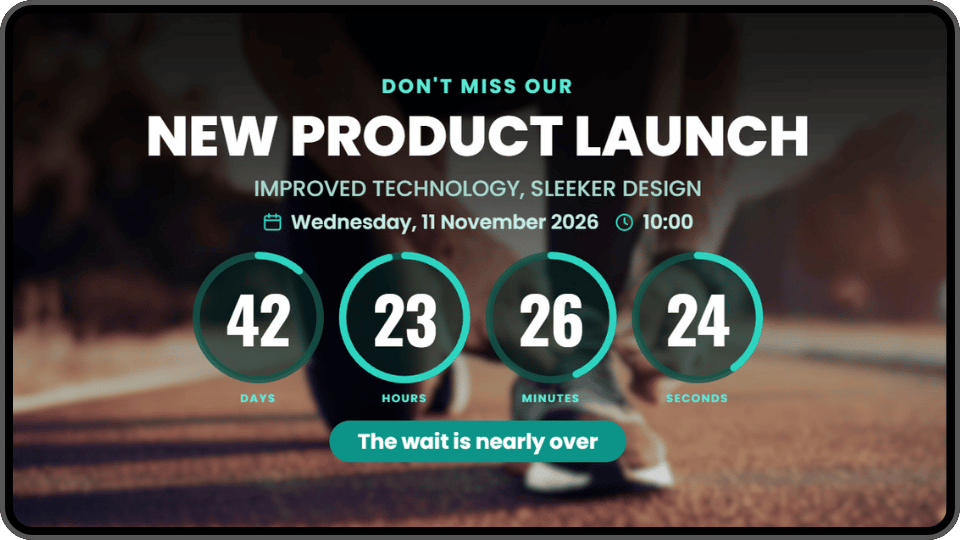
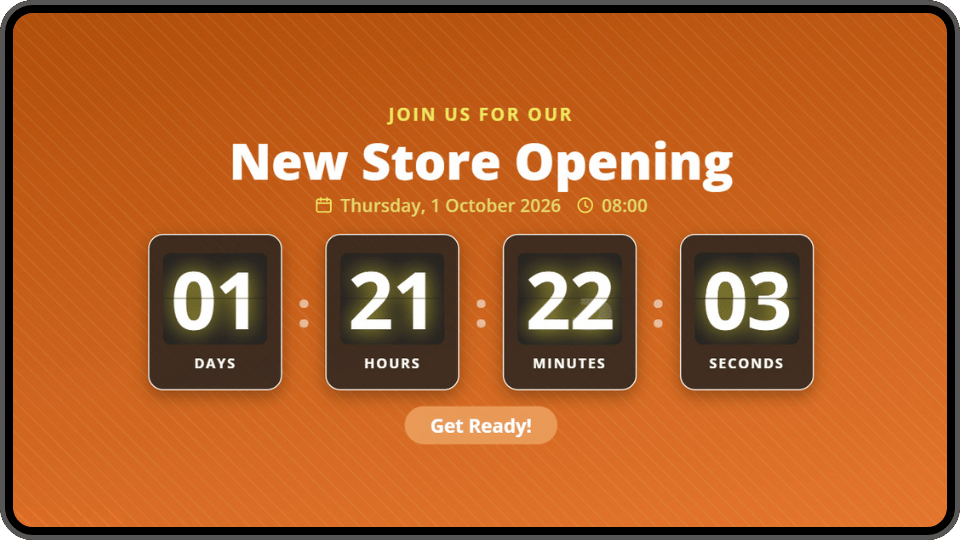
Countdown at a glance
-
6 Templates
With customisable timer styles
-
5 Time Units
From weeks to seconds
-
4 Repeat Options
From daily to yearly
-
Customisable
To match your brand look
Find Answers to Your Countdown Widget Questions
Everything you need to know about displaying Countdown with Imagine digital signage software

A countdown timer can draw attention to almost any time-sensitive moment. Use it ahead of a store opening, product launch, event, election, competition deadline, or limited-time promotion.
Retailers can count down to a sale or daily special, petrol stations can highlight an upcoming fuel-price change, and event venues can build anticipation before doors open or a performance begins. Schools and workplaces can use it for holidays, important deadlines, and internal events.
For social campaigns and competitions, the countdown can also appear alongside selected content from your Instagram widget or updates from your Facebook Page, connecting the activity on your screens with the campaign taking place online.
More Imagine Widgets
See the full catalogue



Ready to get started? Every screen, one dashboard
Join the businesses already running their screens on Imagine. Register in minutes, or book a demo and we'll show you around.
- Free plan for your first screen
- LG webOS & Android players
- Set up in minutes